DragonSword: Awakening System Requirements
Quick answer
DragonSword: Awakening requires Windows 10 64-bit, an Intel Core i5-9400F, 8 GB RAM, an NVIDIA GeForce GTX 1660 and 25 GB of SSD storage. The SSD requirement is not a suggestion — installing on a mechanical drive produces severe stutter and texture pop-in that no settings change fixes.
Updated · Verified on Patch 1.0.x · Sources: in-game testing, Steam store page, Hound13 announcements
Published minimum specification
| Component | Minimum |
|---|---|
| OS | Windows 10 64-bit |
| Processor | Intel Core i5-9400F |
| Memory | 8 GB RAM |
| Graphics | NVIDIA GeForce GTX 1660 |
| Storage | 25 GB available SSD space |
| Engine | Unreal Engine 5 |
DragonSword: Awakening is a Windows-only title. There is no macOS or Linux build, though it runs natively on Steam Deck. See platforms for the full picture.
What each requirement actually means
The SSD line is the one people ignore, and it is the one that matters most. This is an open-world Unreal Engine 5 game that streams assets continuously as you traverse. On a mechanical hard drive you get severe stutter and visible texture pop-in, and there is no combination of graphics settings that compensates, because the bottleneck is not the GPU. If you only take one thing from this page: install DragonSword: Awakening on an SSD.
8 GB of RAM is genuinely minimum, not comfortable. With a browser and Discord open on an 8 GB machine you will be swapping. 16 GB is the realistic figure for a smooth experience.
The GTX 1660 target means the game expects you to use upscaling on entry-level hardware. On a 1660, plan for FSR at Quality with resolution scale around 80% and Shadows, Global Illumination and Post-Processing on Medium. See best settings for the full preset.
The i5-9400F is a six-core CPU without hyperthreading. If you are near this line, close background applications — browser tabs, overlays and recording software compete for headroom that you do not have spare.
What to expect at different hardware levels
| Your hardware | Realistic expectation |
|---|---|
| Below minimum | Do not buy. Refund windows exist for a reason. |
| GTX 1660 / RX 5500-class | Stable 1080p60 with FSR Quality and Medium shadows |
| RTX 3060 / RX 6600-class | 1080p–1440p at 60–90 fps with DLSS/FSR Quality |
| RTX 4070 and above | 1440p–4K high refresh, most settings High or Epic |
| Steam Deck | Native support, 30–40 fps depending on preset |
| 8 GB RAM | Works, but close everything else |
| HDD only | Do not buy until you can install to an SSD |
Checking before you buy
Steam shows a "Can you run it?" indicator on the store page based on your hardware profile, but it does not check storage type — which is the requirement most likely to ruin your experience. Check manually: in Windows, open Defragment and Optimise Drives, and the Media Type column tells you whether each drive is an SSD or an HDD.
If you buy and DragonSword: Awakening runs poorly, Steam's refund policy generally covers purchases under two hours of playtime, and it is worth using that window to test rather than pushing through a bad first session.
Frame rate matters more here than in most RPGs
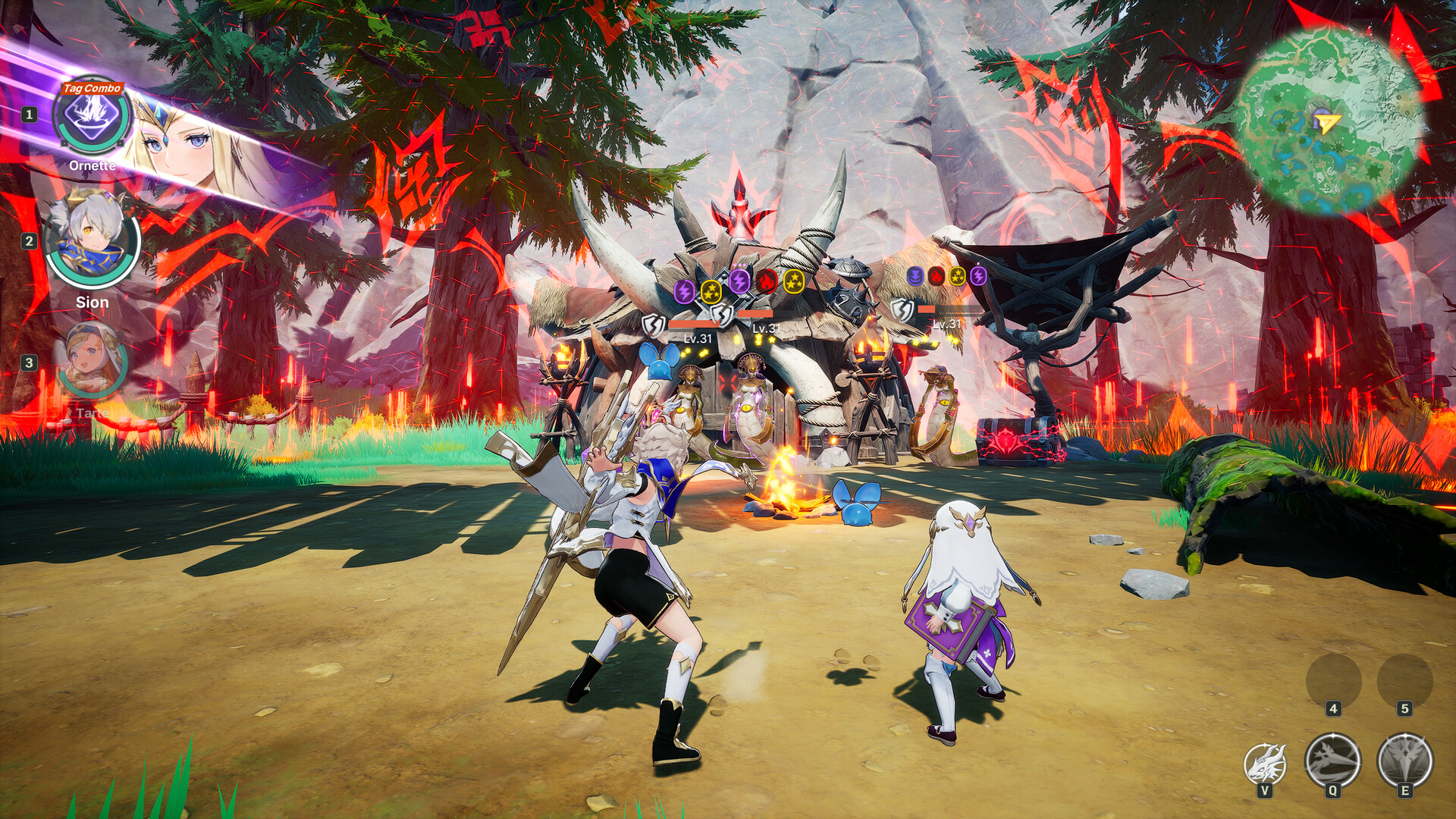
DragonSword: Awakening's combat depends on reacting to short Signal Skill prompt windows. Frame-time spikes eat those windows directly — a stutter at the wrong moment is a dropped tag combo, not just an eyesore.
This is why we recommend targeting a stable 40 or 60 fps rather than an unstable higher number. If you are near minimum spec, lock the frame rate rather than chasing an average, and read the FPS and stutter guide before concluding your hardware is at fault.
If you are close to the line
Being marginally under the specification is worse than being well under it, because DragonSword: Awakening will launch and run badly rather than refusing to start — which makes it tempting to keep tweaking settings instead of accepting the answer.
If you are at or near the GTX 1660 / i5-9400F line, do three things before judging performance: install to an SSD, set Shader Cache Size to Unlimited, and turn off in-game V-Sync while capping frame rate in your GPU control panel. Those three cost nothing and resolve most of what looks like a hardware shortfall. Only after that should you conclude your machine is not up to it.
FAQ
What are the DragonSword: Awakening system requirements?
Windows 10 64-bit, Intel Core i5-9400F, 8 GB RAM, NVIDIA GeForce GTX 1660, and 25 GB of SSD storage.
Can a GTX 1660 run DragonSword: Awakening?
Yes. The GTX 1660 is the stated minimum GPU. Use FSR at Quality with around 80% resolution scale and Medium shadows for a stable 1080p60.
Does DragonSword: Awakening need an SSD?
Yes. The specification requires SSD storage, and installing on a mechanical drive causes severe stutter and texture pop-in that settings cannot fix.
How much space does DragonSword: Awakening take?
About 25 GB.
Is DragonSword: Awakening available on Mac or Linux?
There is no native macOS or Linux build. It runs natively on Steam Deck.