DragonSword: Awakening PC Performance
Quick answer
Most DragonSword: Awakening performance problems come from three causes: installing on an HDD instead of an SSD, leaving V-Sync enabled in both the game and the GPU control panel, and running Shadows or Global Illumination above Medium on a GTX 1660-class card. Fixing those three resolves the majority of reported stutter and frame drops.
Updated · Verified on Patch 1.0.x · Sources: in-game testing, Steam store page, Hound13 announcements
DragonSword: Awakening is an Unreal Engine 5 title with an open world, which means it has the two performance characteristics that come with that combination: traversal stutter from shader compilation, and a heavy dependence on storage speed. Both are fixable.
Start with the three big causes
Before touching individual sliders, rule these out. Between them they account for most of what players describe as "DragonSword: Awakening runs badly".
| Cause | Symptom | Fix |
|---|---|---|
| Installed on an HDD | Severe stutter, texture pop-in, long loads | Move the install to an SSD. This is not optional — the minimum spec asks for SSD storage. |
| V-Sync enabled twice | Heavy input lag plus stutter that gets worse the longer you play | Turn V-Sync off in-game, then cap the frame rate in your GPU control panel to 3 fps below your monitor's refresh rate. |
| Shadows / GI too high | Frame rate collapses in dense areas and during boss fights | Set Shadow Quality, Global Illumination and Post-Processing to Medium. |
Which page do you need?
- Best PC settings — every graphics option explained with its actual frame-rate cost, presets for GTX 1660-class, mid-range and high-end hardware, and how DLSS and FSR behave in this game.
- FPS drops and stutter fixes — the diagnostic order for traversal stutter, shader compilation hitches, frame pacing problems and background-application interference.
- Steam Deck settings — three handheld presets with TDP caps and battery guidance.
- System requirements — the published minimum and what it means in practice before you buy.
Why frame-rate consistency matters more here than in most RPGs
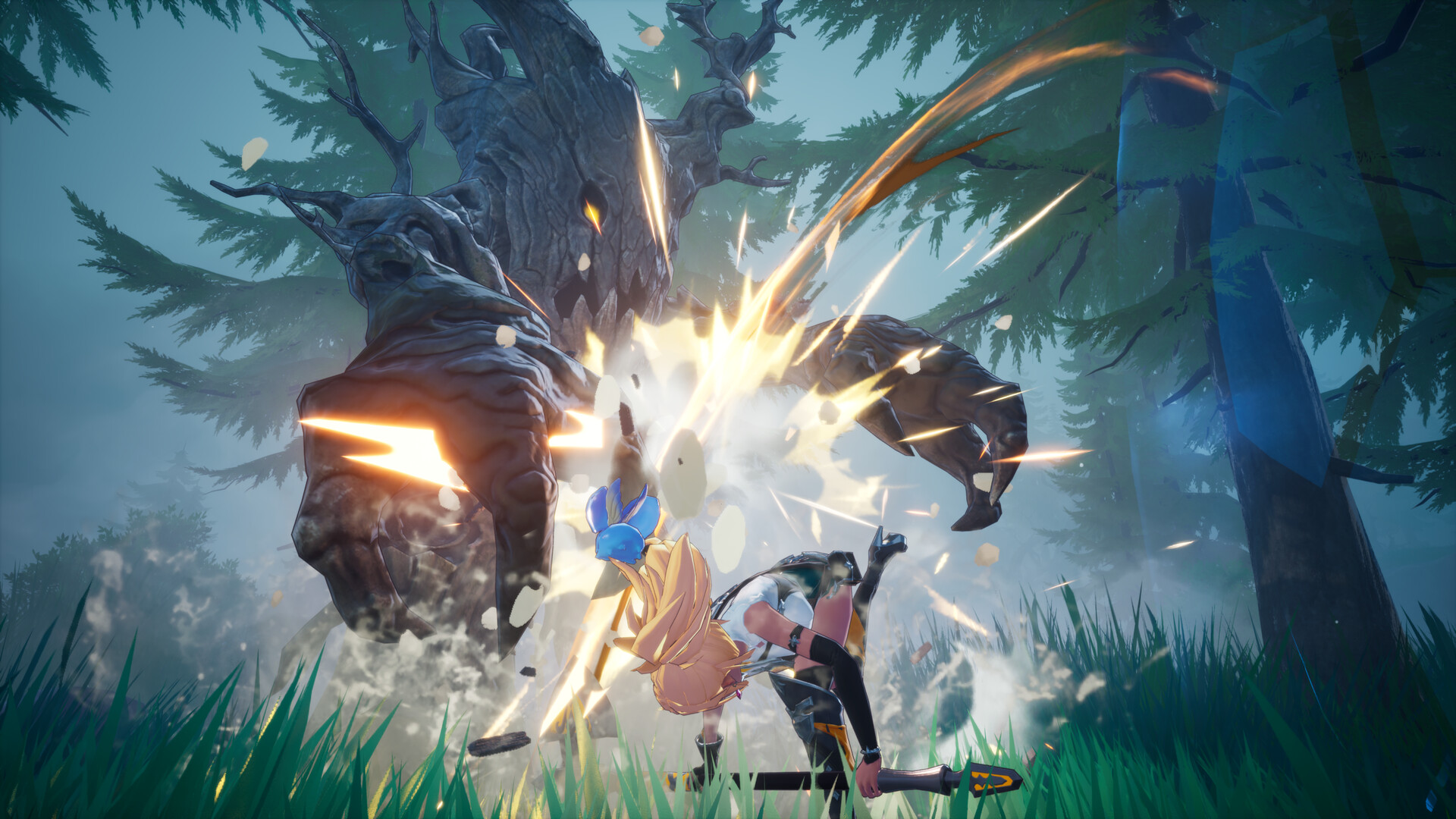
DragonSword: Awakening's combat is built on Signal Skill prompts that open for a short window after a status ailment fills. You react to a visual cue and tag in the right hero before that window closes. Frame-time spikes eat those windows directly — a 200 ms hitch at the wrong moment is a dropped tag combo, not just a visual annoyance.
This is why we recommend targeting a stable 40 or 60 fps over an unstable 90. A locked lower frame rate produces better combat outcomes in DragonSword: Awakening than a higher average with spikes, which is the opposite of the usual advice for single-character action games.
A sane tuning order
- Confirm SSD install. Everything else is noise until this is true.
- Set the frame cap in your GPU control panel, not in-game, and set it below your refresh rate.
- Turn V-Sync off in-game. Leave it off in the control panel too if you have a cap.
- Set Shader Cache Size to Unlimited in the NVIDIA or AMD control panel, then let the game idle at the title screen for a minute after each patch.
- Switch to exclusive Fullscreen rather than borderless.
- Enable Hardware-Accelerated GPU Scheduling in Windows Graphics settings.
- Only then start adjusting individual quality sliders.
Working in this order stops you from lowering settings to compensate for a problem that was never about GPU load in the first place — which is the single most common mistake in performance threads about this game.
Check your hardware honestly first
Before diagnosing anything, confirm you are actually above the line. DragonSword: Awakening asks for Windows 10 64-bit, an i5-9400F, 8 GB RAM, a GTX 1660 and 25 GB of SSD storage. Below that specification, no configuration will produce a good experience, and Steam's refund window is the correct tool rather than a settings guide. See system requirements.
Above it, almost every complaint about this game has a specific, identifiable cause rather than being general "bad optimisation".
Why we recommend locking your frame rate
Conventional advice for action games is to chase the highest average frame rate available. For DragonSword: Awakening we recommend the opposite: pick a number you can hold and lock it there.
The reason is the Signal Skill window. Your damage comes from reacting to a prompt inside a short window, and frame-time spikes eat those windows regardless of what your average frame rate says. A locked 60 with no spikes produces better combat outcomes than a fluctuating 90 to 130, and it is far easier to build muscle memory against consistent timing.
FAQ
Why does DragonSword: Awakening stutter so much?
The most common causes are an HDD install rather than SSD, shader compilation during the first hour after a patch, and V-Sync enabled simultaneously in-game and in the GPU control panel.
What is the biggest FPS gain in DragonSword: Awakening?
Dropping Shadow Quality, Global Illumination and Post-Processing to Medium gives the largest gain for the least visual loss, followed by enabling DLSS or FSR upscaling.
Does DragonSword: Awakening need an SSD?
Yes. The published minimum specification asks for 25 GB of SSD storage, and installing on a mechanical drive produces severe stutter and texture pop-in.
Is DragonSword: Awakening well optimised?
It runs well within its stated specification once storage and V-Sync are configured correctly. Its main weakness is traversal stutter from shader compilation, which mostly resolves after the first hour of play on a given patch.